Version 1.6 · Free · No account required

Screenshots that stay editable.

Capture entire web pages — full page, scroll, region, or element picker — then annotate with pro tools and export as PNG, JPEG, or PDF. Every PNG comes back editable when you drop it in again.

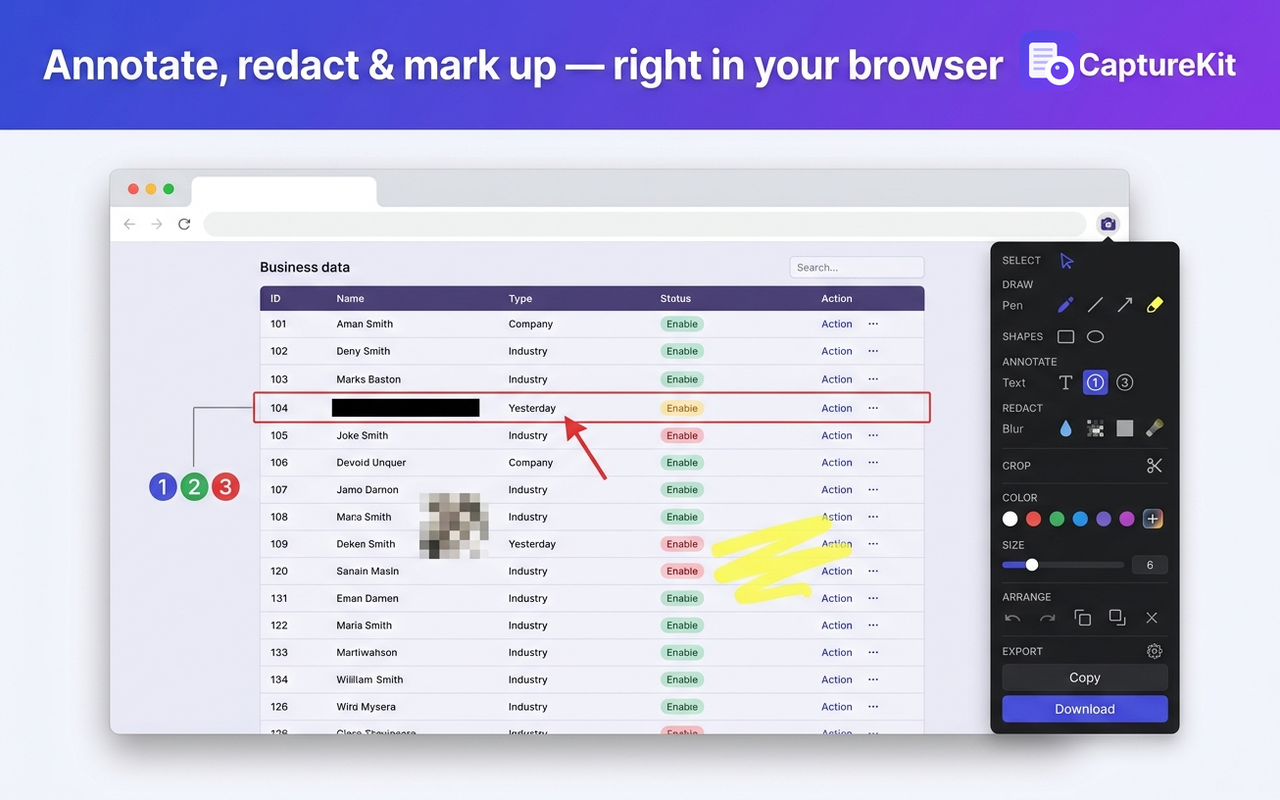
CaptureKit editor with a captured web page and annotation tools
Take a look

See it in action

Seven screens from the real extension. Click through to see capture, annotate, options, privacy, element picker, history, and scrolling capture.

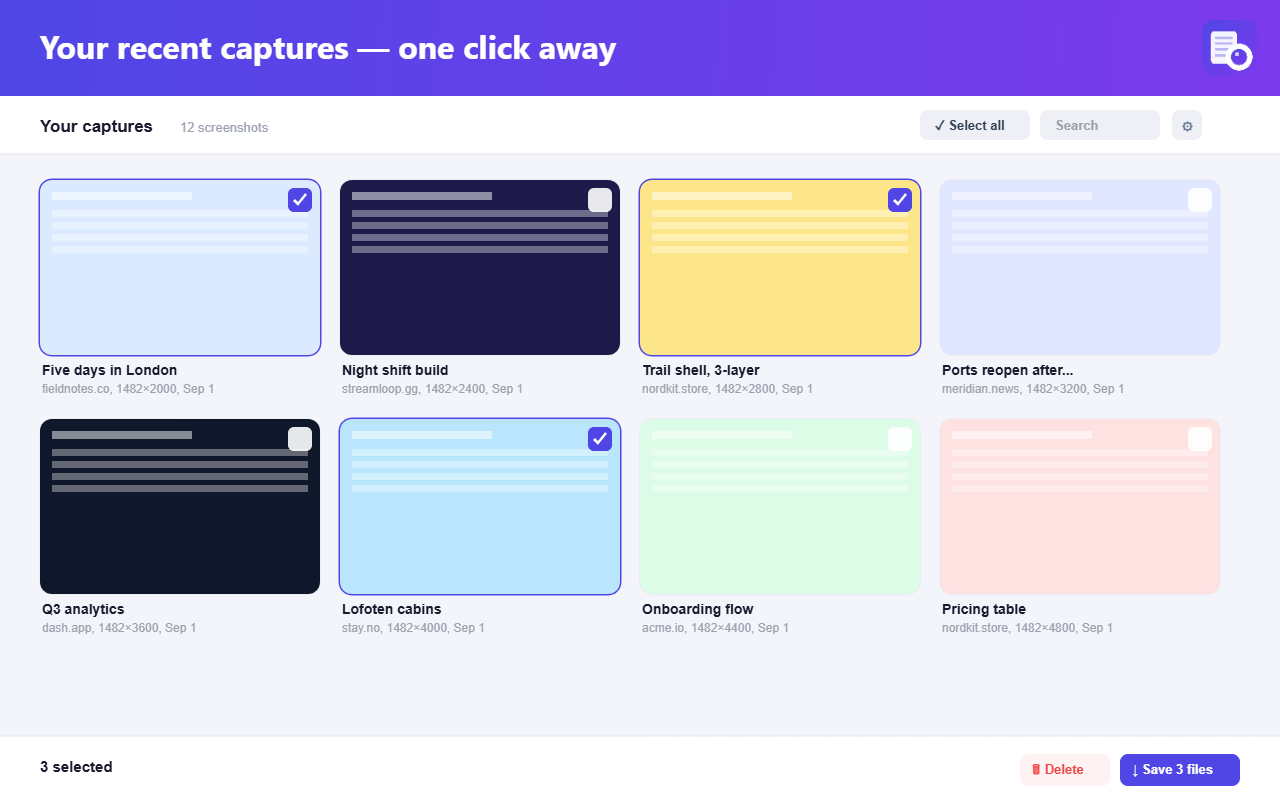
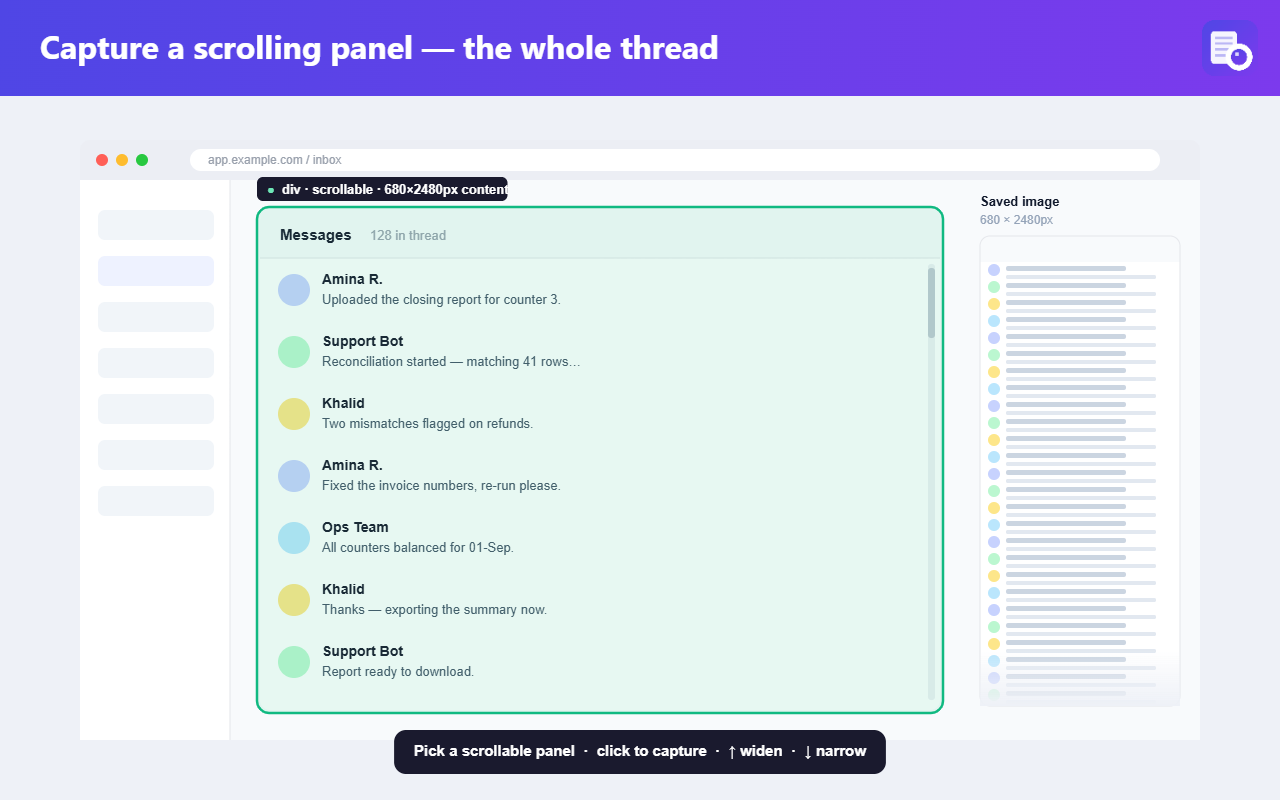
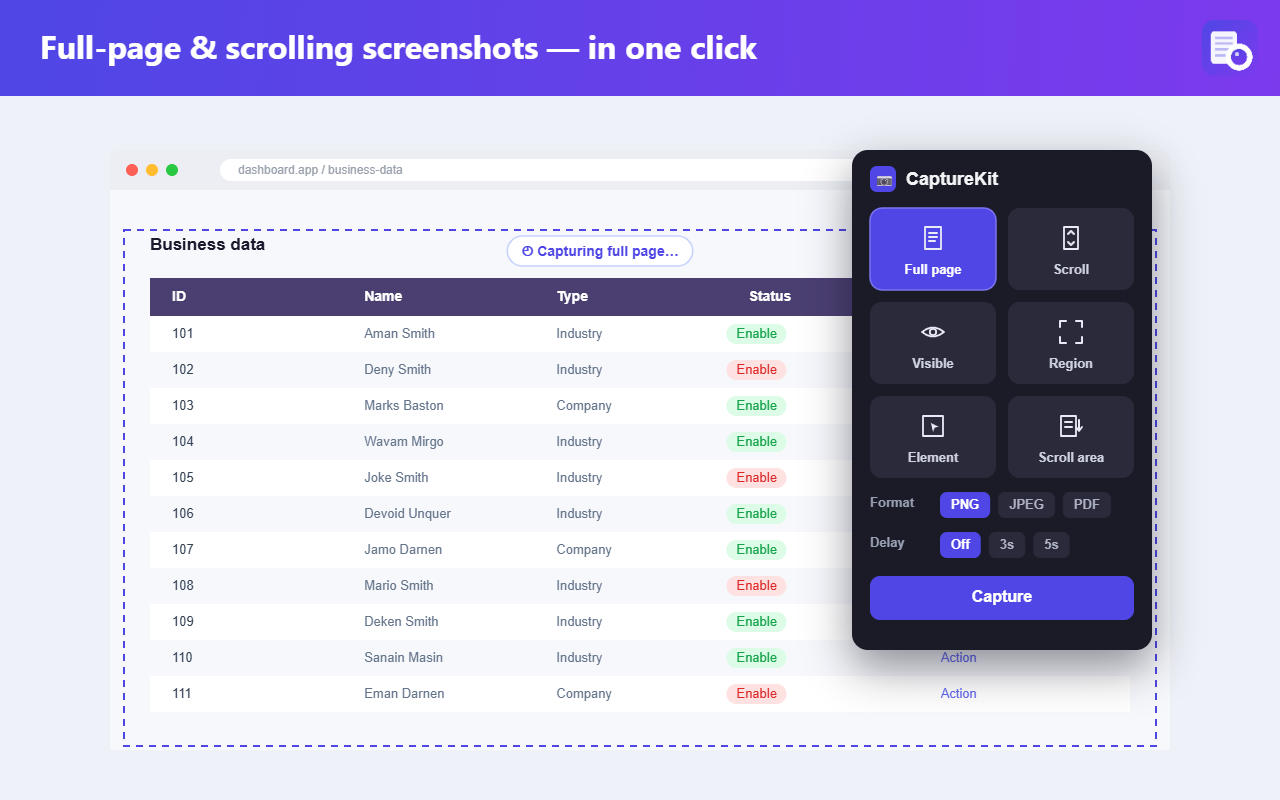
Capture modes popup Annotation editor Settings page Save panel with privacy note Element picker in action Recent captures gallery Scrolling capture stitched image

Popup: pick a capture mode (full page, scroll, visible, region, element, scroll area).

Everything you need

Built for people who ship screenshots

Capture, annotate, and hand off — without leaving your browser or your privacy.

Every capture mode

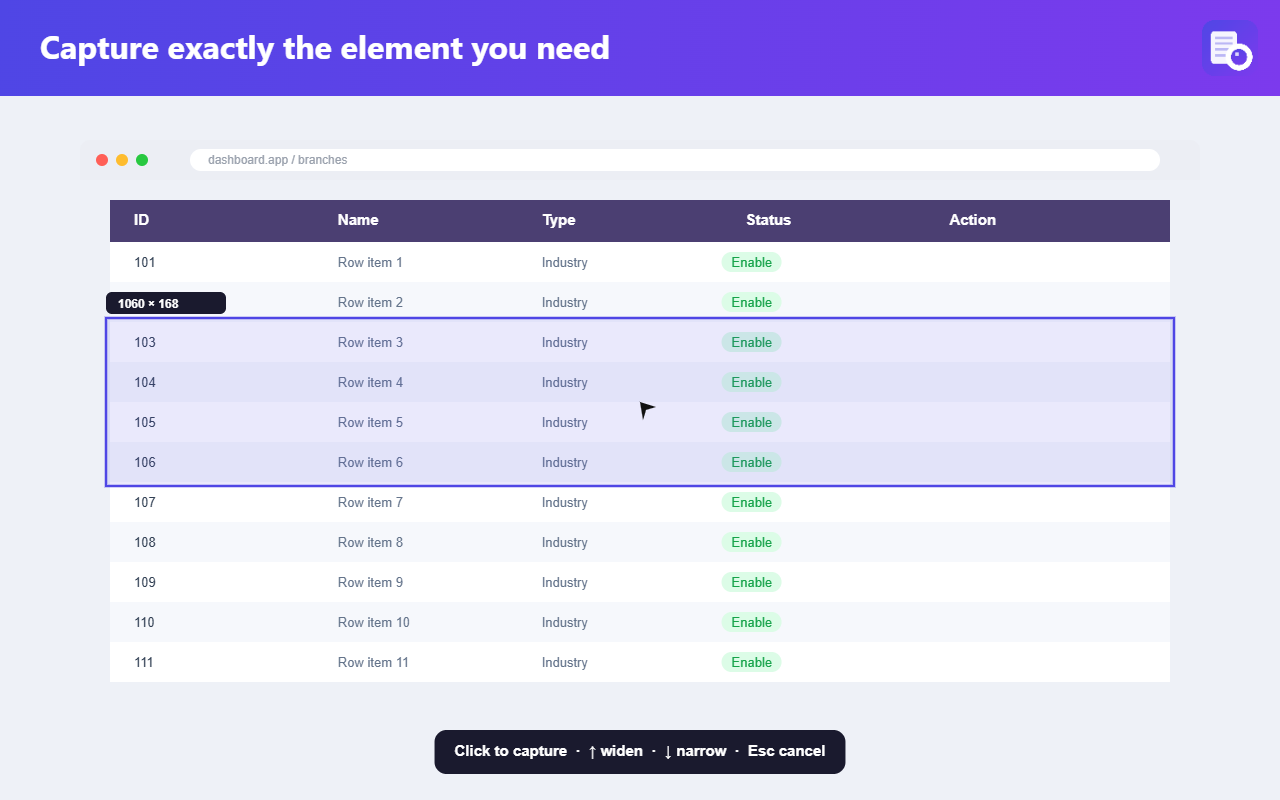
Full page, scroll region, visible area, drawn box, element picker, scrollable inner containers, timer. Works on app-shell apps like Jira, Notion, Gmail and Linear where the whole page lives inside an inner scroll container.

Pro annotation editor

Pen, arrows, shapes, callouts, text with pill/outline, step markers, stamps, blur, pixelate, redact, spotlight.

Multi-select & align

Marquee, shift-click, group move, align, distribute, snap guides, lock/hide, z-order.

Style presets

Save any tool's exact look — color, size, opacity, dash, heads — as a named preset for one-click reuse.

Crop presets

Free, 1:1, 4:3, 16:9, 9:16, Twitter card, OG card, LinkedIn — enforced to the pixel on export.

Editable PNGs New in 1.6

Every PNG carries your shapes as compressed metadata. Drop it back in later and every shape is editable again.

Handoff, your way

Copy image, copy data/blob URL, native share sheet, Reopen (drop, pick, or paste), Copy path after download.

Slack & Drive (opt-in)

Copy Slack-ready markdown or save to your own Google Drive. Off by default; each service is a separate toggle.

Fast & friendly captures

A live Capturing… pill shows progress on multi-band shots. Long full-page captures on complex web apps finish in roughly half the time thanks to smart throttling and content prewarming.
How it works

Four clicks from page to shareable file

Capture

Pin the extension, pick a mode (or hit the keyboard shortcut), get your image in seconds.

Annotate

Draw, redact, add callouts, drop step markers, blur sensitive bits. Undo/redo everything.

Crop & polish

Aspect ratio presets for social platforms. Style presets for consistent look across captures.

Export

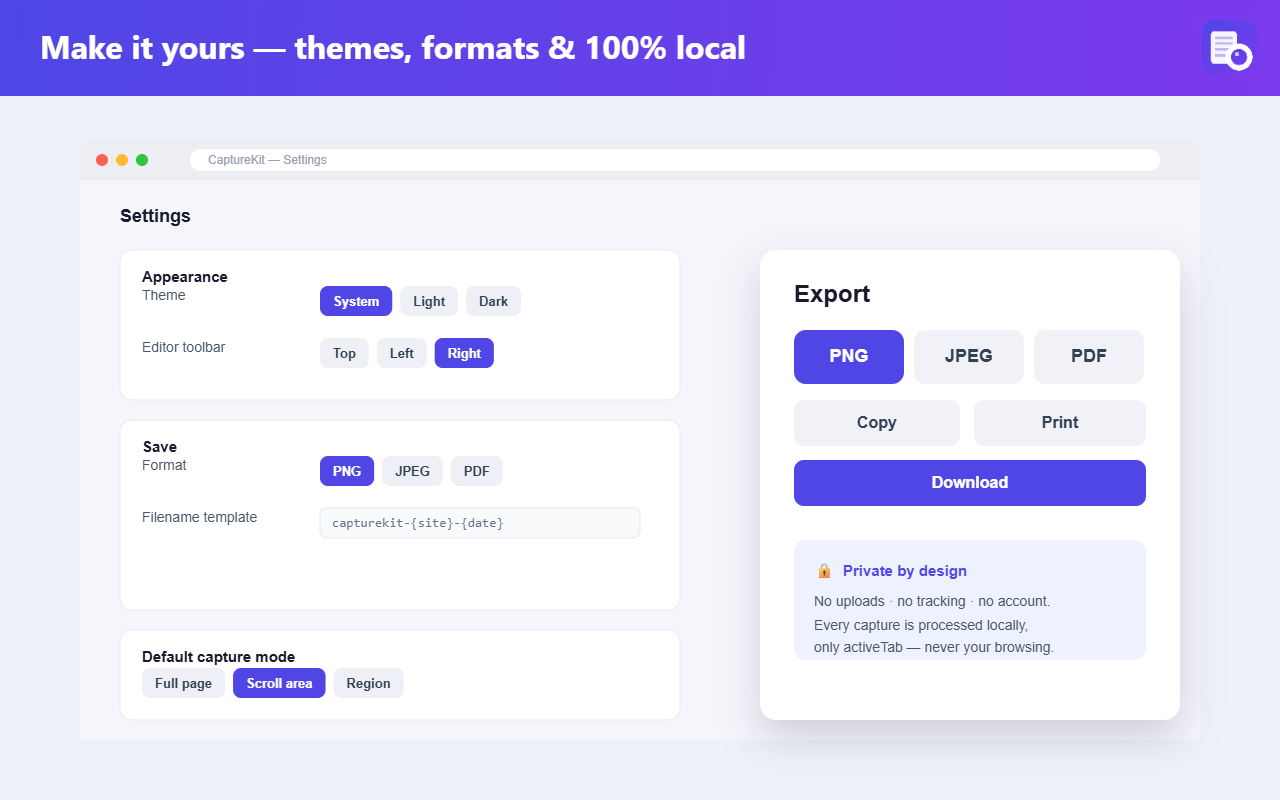
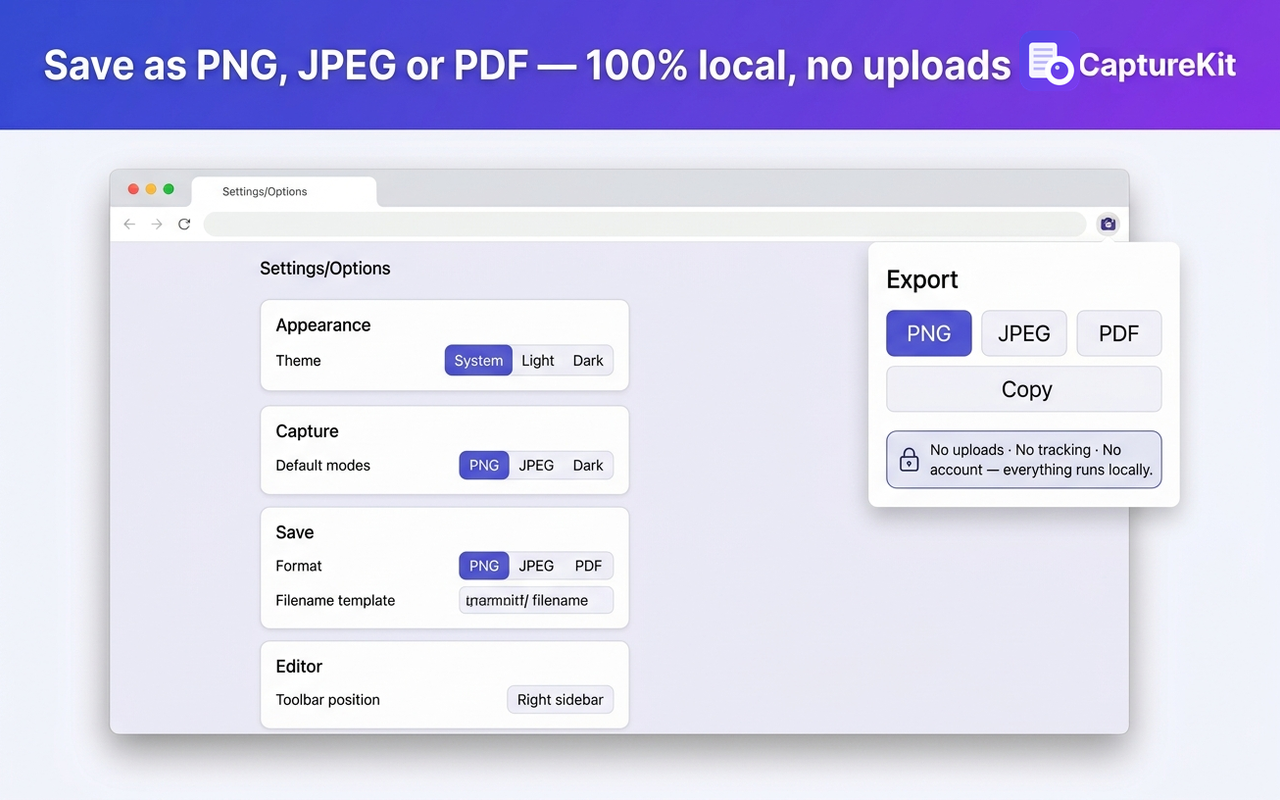
Download PNG/JPEG/PDF, copy to clipboard, share, or save to Drive. Your call, every time.

Privacy pledge

100% local by default

No accounts. No sign-in. No analytics, no telemetry, no fingerprinting. Captures live in your browser, not on our servers — because we don't have any.

Optional sharing services (Slack, Google Drive) are off until you turn them on, and each is a separate toggle with a plain-English privacy note. Turn the master switch off and nothing reaches the network.

Read the full privacy policy →

Frequently asked

Questions we hear

Is it really free?

Yes. No paid tier, no ads, no upsells. It's built by one developer who wanted a better full-page screenshot tool and shipped it.

Do you see my screenshots?

No. There's no server on our side. Everything happens in your browser. Files leave your device only if you download them, copy them, or explicitly enable and click a sharing service (Google Drive uploads to your account, not ours).

What's an "editable PNG"?

Every PNG CaptureKit exports carries a compressed metadata chunk with your shapes and base image. It looks like a normal PNG to every other tool. But if you drop it back into CaptureKit later, the whole annotation session comes back editable — pen strokes, text, callouts, everything. JPEG and PDF exports are flat.

How does the Google Drive integration work?

It uses Chrome's built-in Google sign-in with the drive.file scope — the most restrictive Drive scope. CaptureKit can only see files it creates itself, never your other Drive contents. The scope, the sign-in, and the upload are all opt-in.

Does full-page capture work on Jira, Notion, Gmail, Linear?

Yes. Those apps don't scroll the whole browser window — the content lives inside an inner scroll container. CaptureKit detects that pattern automatically and drives the inner container instead, so Full page captures the whole ticket / doc / thread instead of just the first viewport. A quick prewarm pass loads any lazy images and embeds before stitching starts, so the finished image is one continuous shot with no duplicated rows.

Which browsers are supported?

Chrome, Firefox, and Chromium-based browsers (Edge, Brave, Opera). Install from the Chrome Web Store or Firefox Add-ons. Google Drive sharing is Chrome/Edge only — Firefox lacks the identity API that powers it; every other feature works identically on all three.

Can I contribute or report a bug?

Yes — email araza5193@gmail.com with the reproduction steps, extension version, and browser version.

Ready to ship better screenshots?

Free, no account, works in seconds.

Add to Chrome — it's free Add to Firefox — it's free